
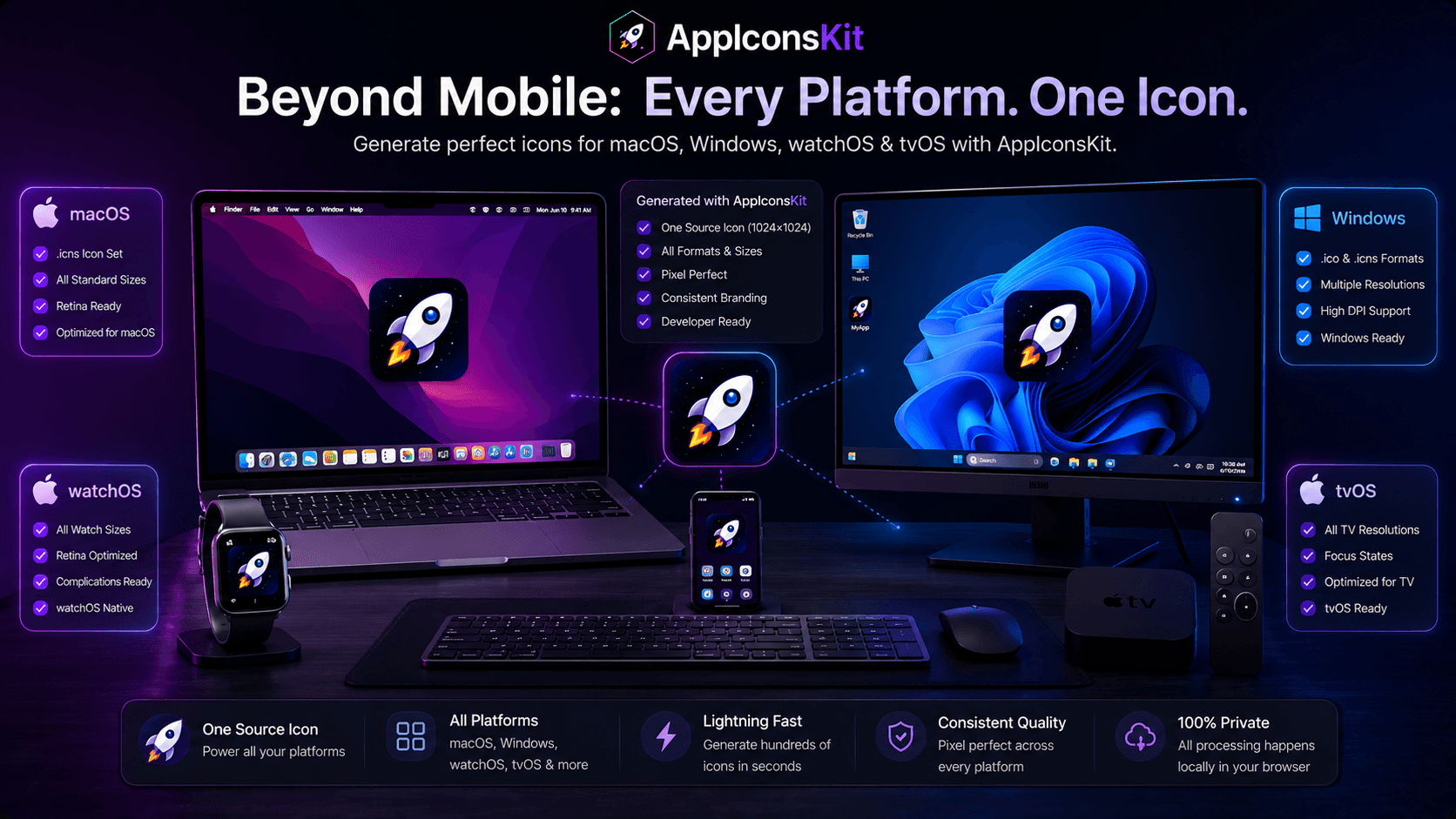
Using AppIconsKit for macOS, Windows, watchOS, and tvOS icon sets beyond mobile development lies at the heart of what AppIconsKit was built to solve. Whether you're an indie developer shipping your first app or a seasoned professional managing multiple projects, understanding this aspect of app icon generation can significantly impact your workflow and the quality of your final product.
AppIconsKit was designed with one goal in mind: eliminate the friction between having a great icon design and getting that icon into every platform format you need, perfectly, instantly, and for free.
Understanding the Core Challenge
Every app developer faces the icon challenge at some point in their project lifecycle. The platform requirements are specific, the naming conventions matter, and the consequences of getting it wrong range from failed Xcode builds to App Store rejection: none of which you want to deal with on launch week.
AppIconsKit addresses this challenge head-on by automating the most error-prone parts of the icon generation process, leaving developers free to focus on building great apps.
How AppIconsKit Solves This
- Single source image generates every required size automatically
- Correct file naming conventions applied for each platform
- Organized folder structure ready for immediate project import
- Browser-based processing ensures your files stay private
- No account, no cost, no friction: just results
Practical Implementation
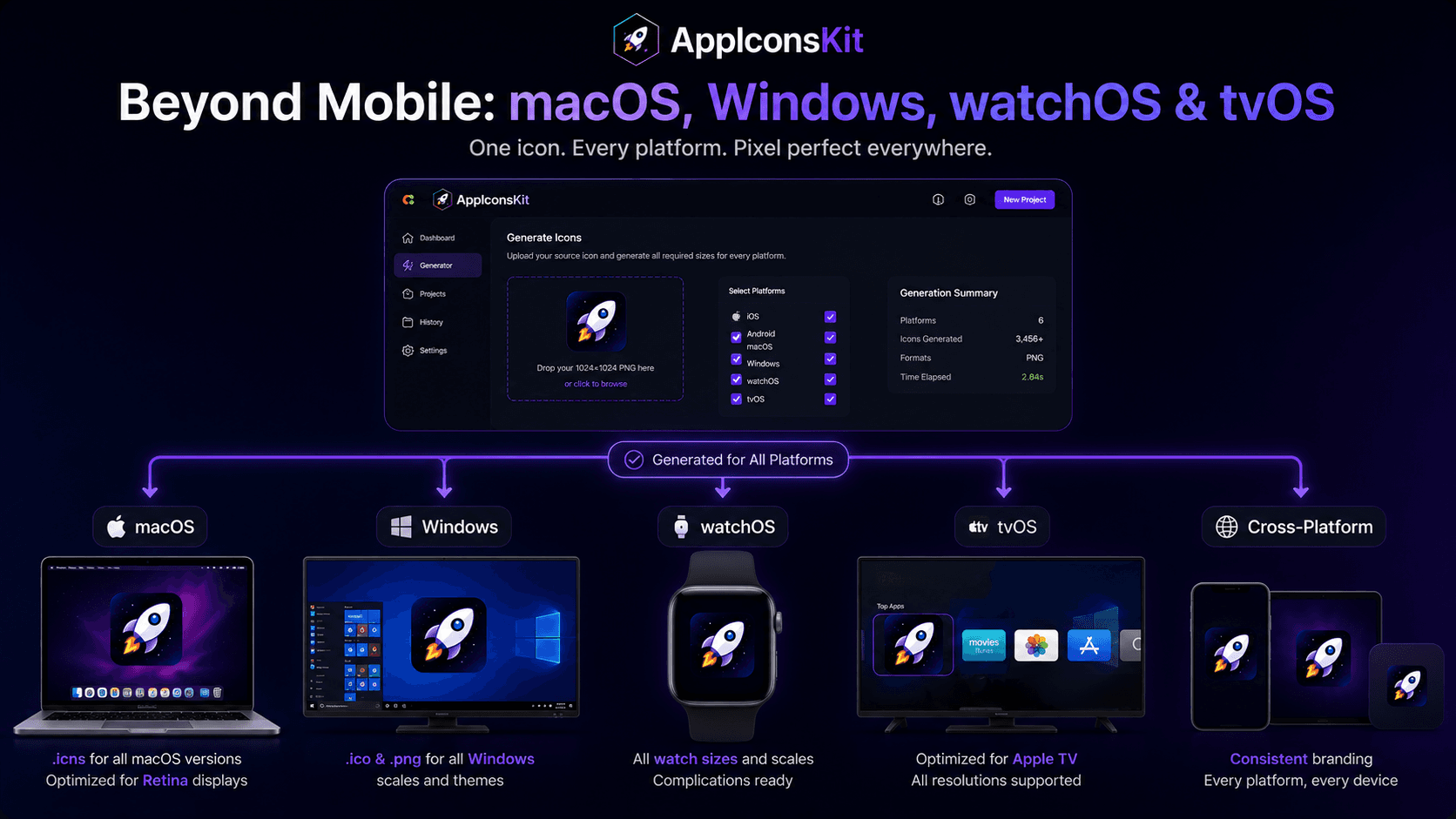
- 1Prepare your source icon at 1024x1024px in PNG format
- 2Visit appiconskit.com: no account creation needed
- 3Upload your source image using drag-and-drop or file picker
- 4Select the target platforms for your project
- 5Click Generate and wait approximately 3-5 seconds
- 6Download the organized ZIP and import into your project
Key Benefits for Your Workflow
- Eliminate manual resizing: save 30-90 minutes per project
- Zero errors from incorrect file naming or missing sizes
- Works for solo developers and teams equally well
- Supports all major platforms from a single generation
- Free forever: no hidden costs or subscription traps
- Privacy-first: your designs never leave your device
Best Practices to Remember
- Always start with a 1024x1024 source image for best quality
- Use PNG format for the cleanest output across all sizes
- Design with the smallest sizes in mind: keep it simple
- Generate icons early in the project, not at the last minute
- Keep your source icon in version control alongside your code
- Regenerate whenever your icon design changes
Conclusion
The best developers are the ones who recognize which problems deserve their creative attention and which should be delegated to reliable tools. Icon generation falls firmly in the second category: a well-defined, repeatable process that AppIconsKit handles better and faster than any manual approach.
With AppIconsKit, this is no longer something you need to think about. It just works, every time, for every platform, at zero cost.