
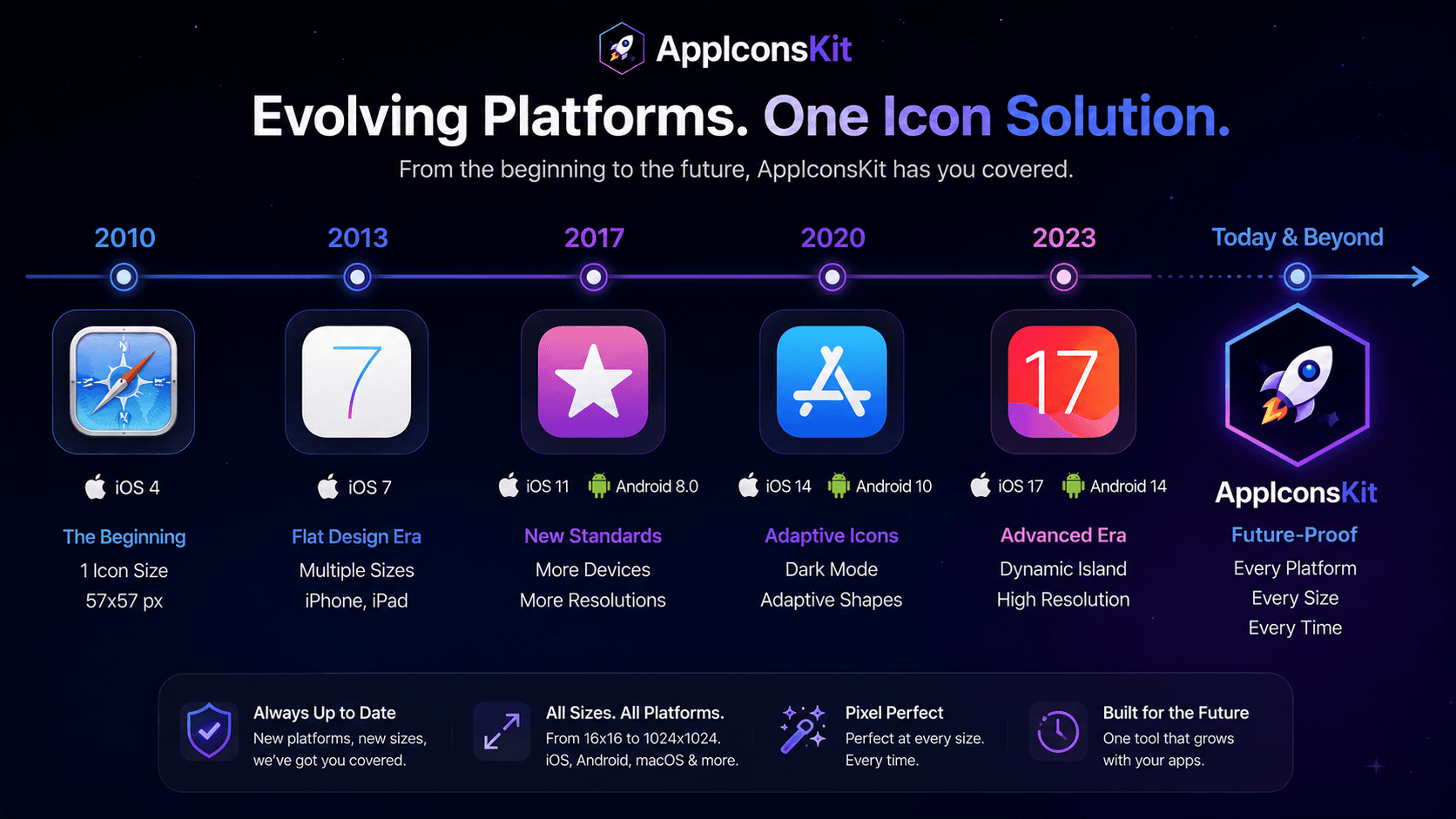
Mobile operating systems evolve continuously. Apple adds new icon requirements with every major iOS release. Android introduces new icon specifications for new form factors. macOS, watchOS, and tvOS all have their own update cadences.
AppIconsKit is maintained to stay current with the latest platform specifications, which means your icon generation workflow doesn't break when Apple or Google changes the rules.
How Platform Requirements Keep Changing
- iOS 14 introduced App Library requiring new icon treatments
- Android 8.0 introduced adaptive icons with new shape requirements
- macOS Big Sur changed icon design language entirely
- iPadOS introduced multitasking requiring sharper icon quality
- Apple Watch additions expanded watchOS icon size requirements
- tvOS updates changed top-shelf image specifications
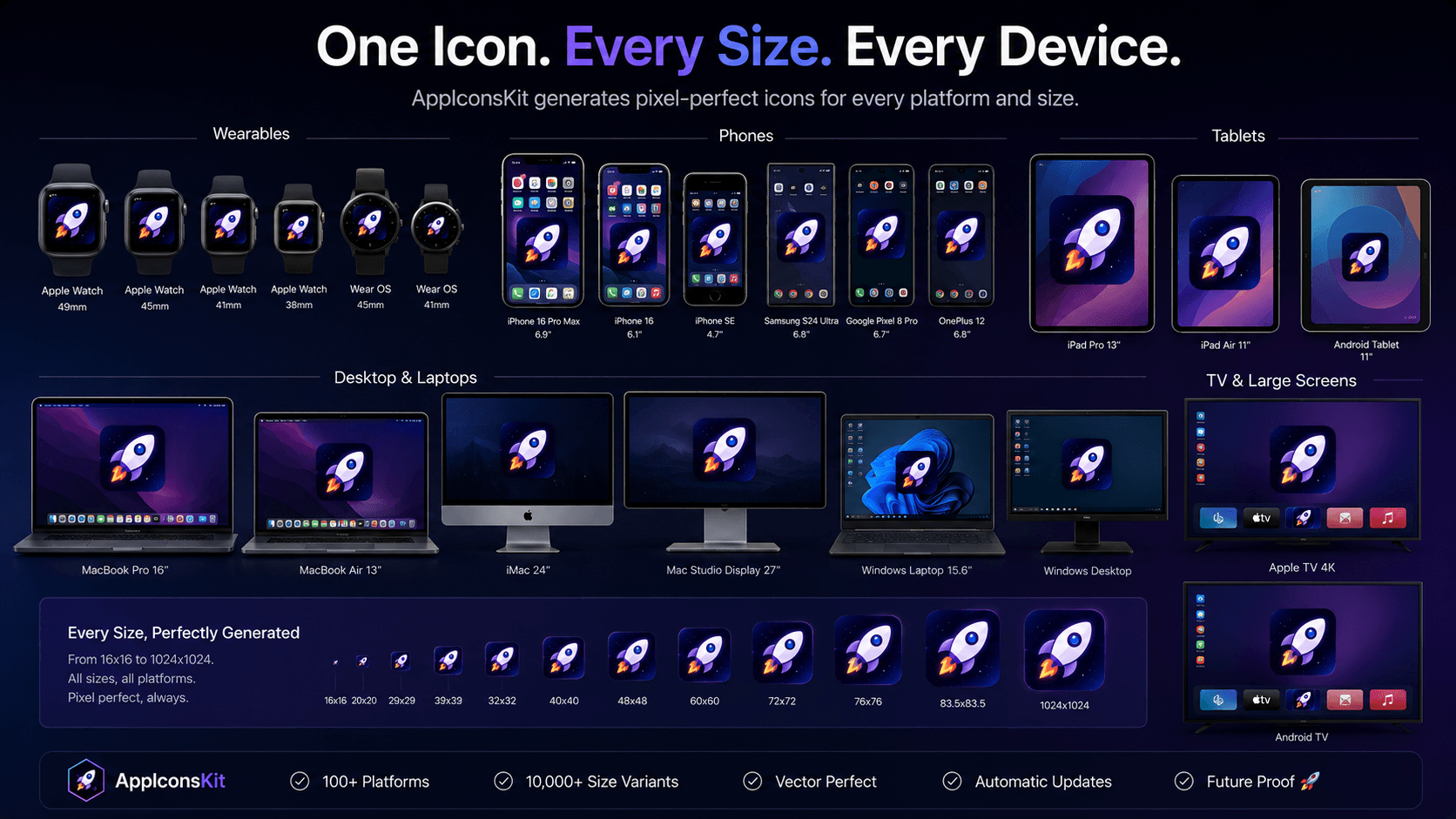
AppIconsKit's Update Commitment
- Icon specifications updated whenever Apple or Google changes requirements
- New platform support added as platforms gain developer relevance
- PWA icon requirements tracked and updated
- Size specifications verified against current App Store guidelines
- Android Adaptive Icon spec maintained for latest Android versions
Preparing for Emerging Platforms
The icon ecosystem will only grow. Spatial computing (Apple Vision Pro), automotive displays, smart home interfaces: each new platform will bring new icon requirements. AppIconsKit's architecture is designed to add platform support quickly as these requirements are formalized.
By using AppIconsKit now, you're adopting a tool with a commitment to keeping you current, regardless of what platforms emerge.
Handling Legacy Requirements
- Old iOS sizes still required for backward compatibility
- AppIconsKit generates both current and legacy sizes
- No need to maintain separate export presets for old OS versions
- Single generation covers all supported OS versions simultaneously
Conclusion
Future-proofing isn't about predicting the future; it's about using tools that adapt to it. AppIconsKit's maintained specifications mean your icon workflow stays valid as platforms evolve, without requiring any changes to your process.
Upload once. Download complete. Ship with confidence, now and in every update.