
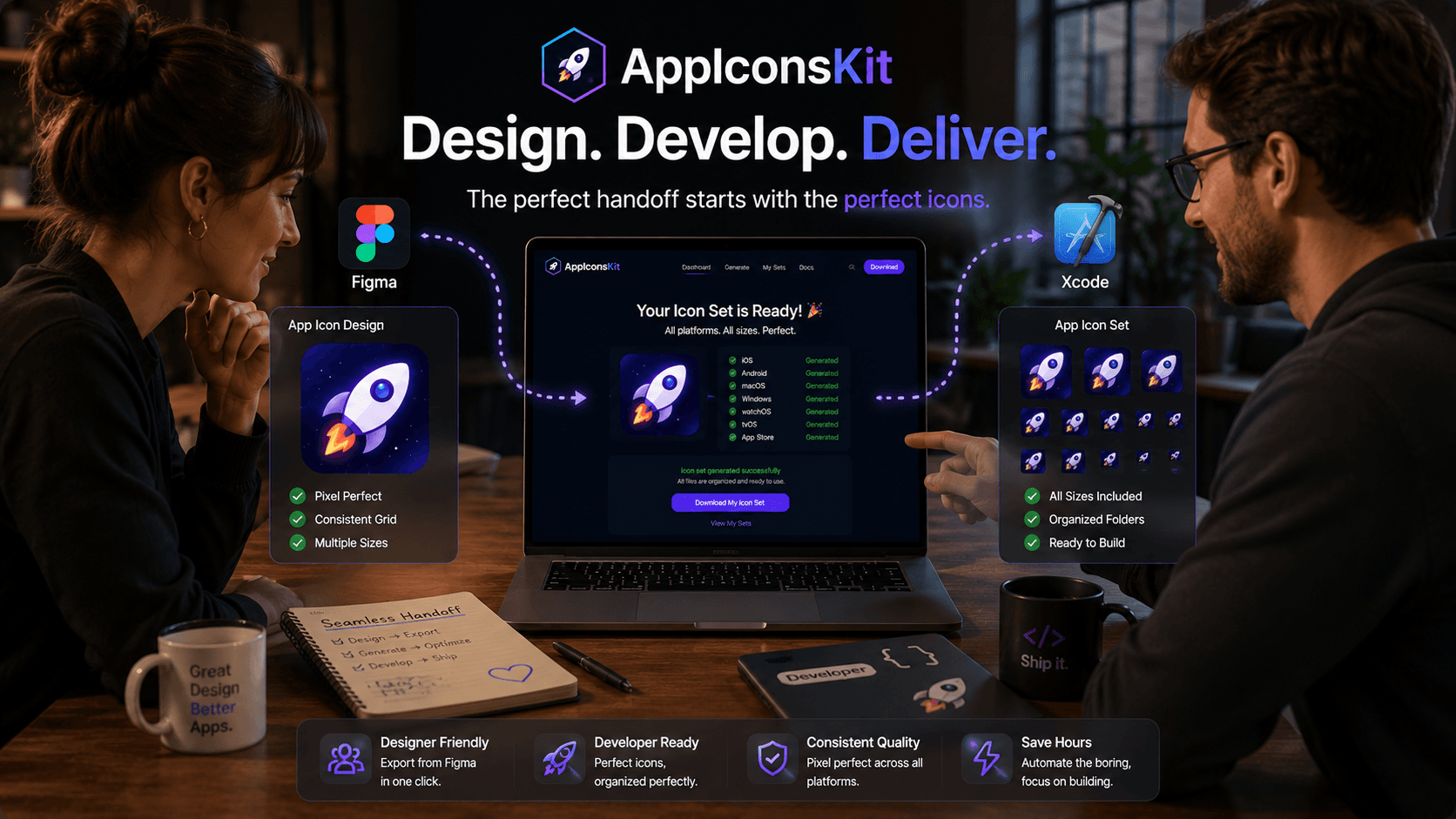
The designer-developer handoff is one of the most friction-filled moments in any app development workflow. Designs get lost in translation, assets arrive in the wrong format, and developers spend time reformatting files instead of building features.
For app icons specifically, AppIconsKit eliminates this friction entirely, creating a clear, simple handoff protocol that both designers and developers understand.
The Classic Handoff Problem
- Designer exports icon in one format, developer needs another
- Missing sizes discovered only after Xcode or Android Studio import
- Wrong file naming causes import failures
- Contents.json missing or incorrect, requiring manual creation
- Round-trip corrections add days to the timeline
- Both sides frustrated, neither at fault
The AppIconsKit Solution
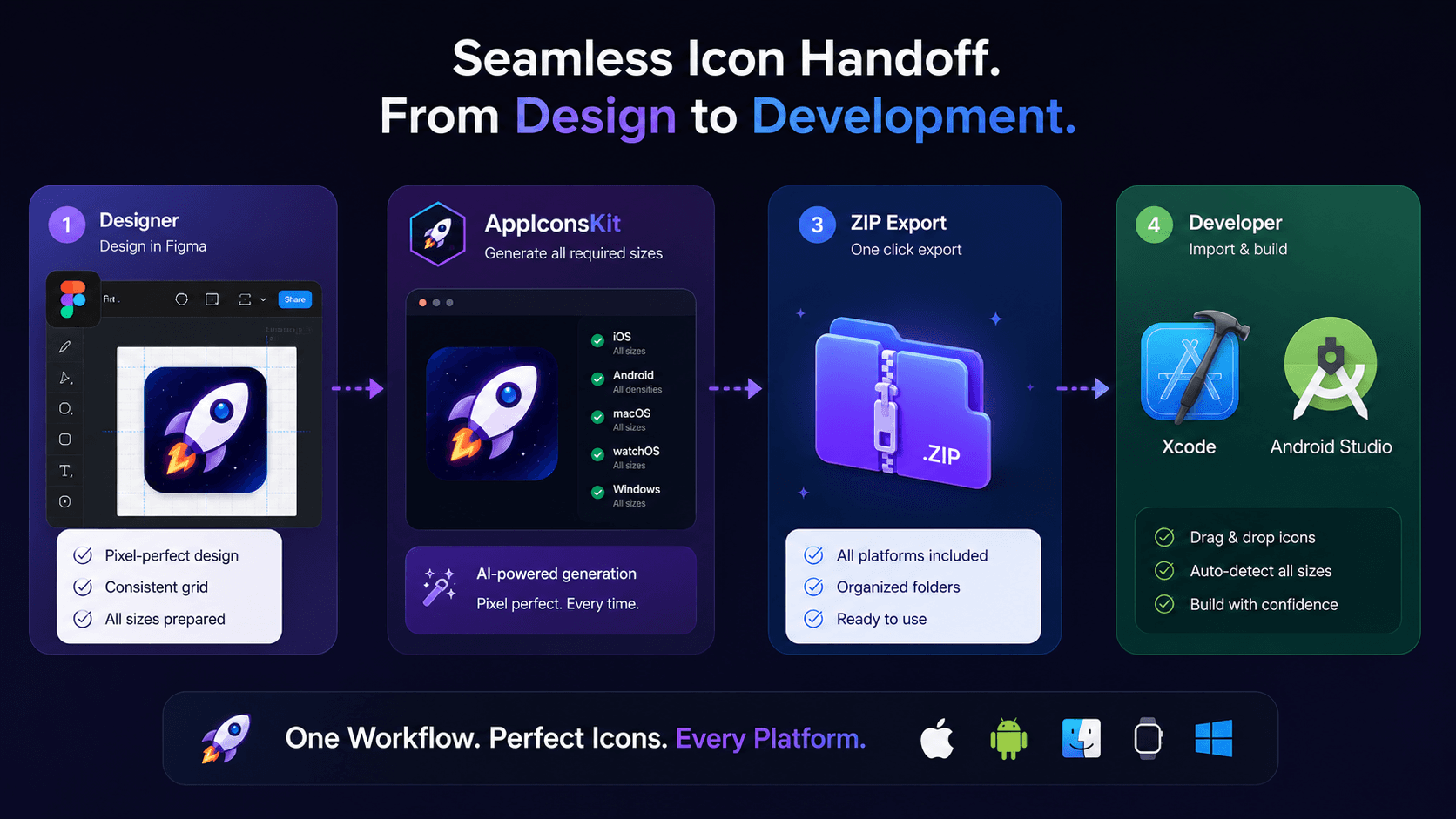
AppIconsKit creates a simple, universal handoff protocol:
- 1Designer finishes icon design in Figma (or any tool)
- 2Designer exports 1024x1024 PNG: one file, one export
- 3Designer uploads to AppIconsKit, selects target platforms
- 4AppIconsKit generates the complete, developer-ready asset package
- 5Designer shares the ZIP with the developer
- 6Developer imports directly into Xcode and Android Studio
Zero back-and-forth. Zero reformatting. Zero confusion.
What Designers Love About AppIconsKit
- No need to know Xcode asset catalog structure
- No need to know Android drawable conventions
- One export covers all platform requirements
- Instant preview of how icon looks at different sizes
- Can share a link to AppIconsKit in design documentation
What Developers Love About AppIconsKit
- Receive assets already in the right format
- No reformatting, renaming, or reorganizing
- Contents.json included and correct
- Drop into Xcode, zero Xcode errors from icon files
- Android Studio recognizes folder structure immediately
- Can generate new assets themselves if designer is unavailable
Building a Repeatable Handoff Process
The best teams establish AppIconsKit as the standard step in their icon handoff process. Add it to your team's design system documentation: 'All icon handoffs use AppIconsKit. Export 1024x1024 PNG from Figma, generate on AppIconsKit, share ZIP.'
This creates consistency across every project and removes the possibility of handoff errors, regardless of which designer or developer is involved.
Conclusion
The gap between design and development doesn't have to be a source of friction. With AppIconsKit as the bridge, what used to be a multi-step, error-prone handoff becomes a single ZIP file that works perfectly on both ends.
From concept to code, AppIconsKit keeps the momentum going.