
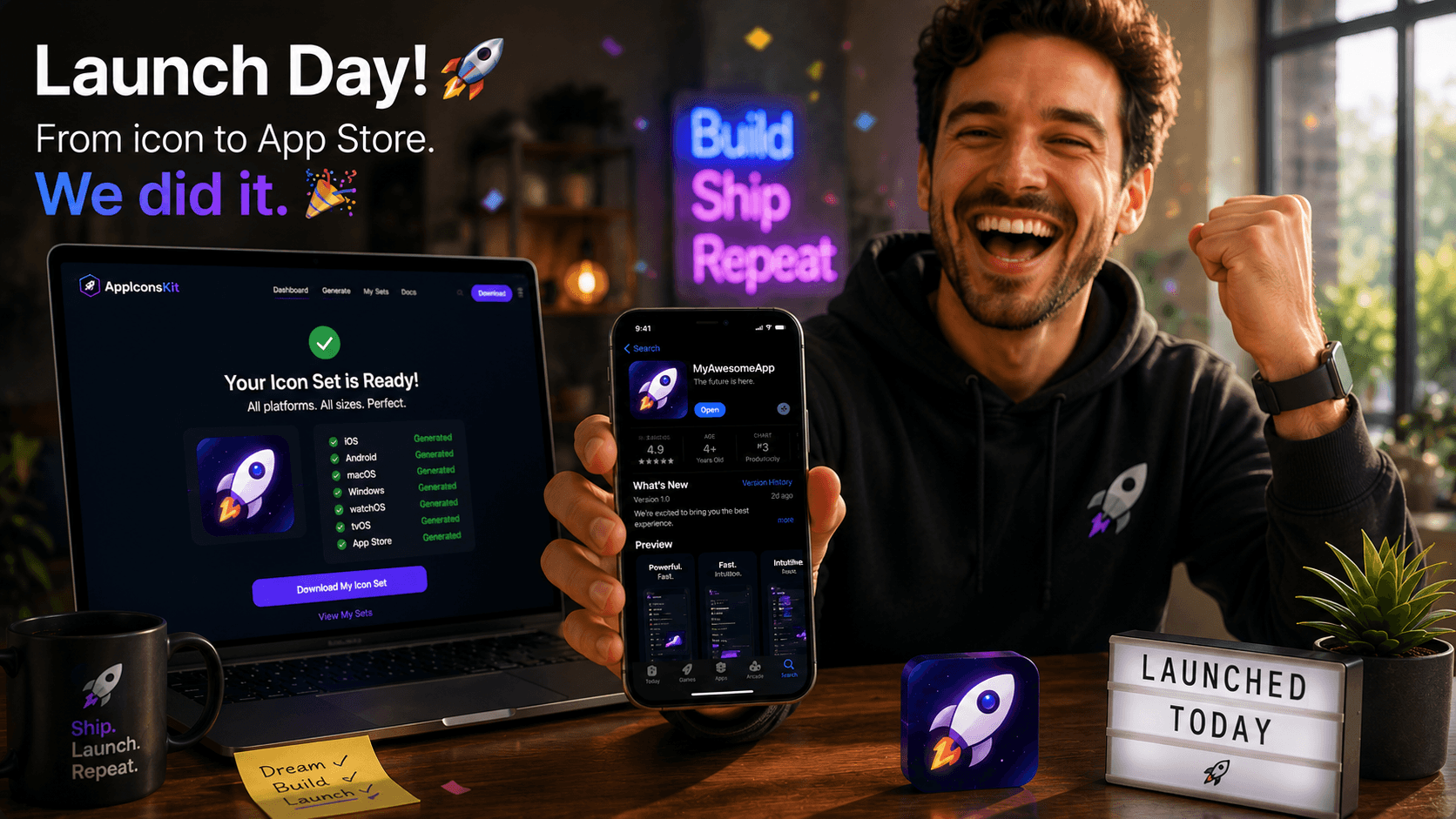
It's 11 PM. You've been coding for three weeks straight. The app is done, the screenshots are ready, the App Store description is polished. And then you realize: you never prepared the icon set.
This is a story every indie developer knows. And it's the exact scenario AppIconsKit was built to rescue you from.
The Midnight Launch Problem
App Store submissions have a way of revealing forgotten checklist items at the worst possible moment. Icon sizes are one of the most common last-minute scrambles, and one of the most easily solved when you have the right tool.
A solo developer building their first productivity app described their launch experience before discovering AppIconsKit: 'I had to delay my submission by two days because I was manually exporting icons in Photoshop at 2 AM and kept getting the Xcode validation errors.'
The AppIconsKit Discovery
The same developer's second launch was different. Having found AppIconsKit between projects, they integrated it from day one of the new project.
'I did the icons on the first day of the project, not the last. Opened AppIconsKit, uploaded my source PNG, got the complete Xcode set in 30 seconds. Then I forgot about icons entirely and just shipped the app.'
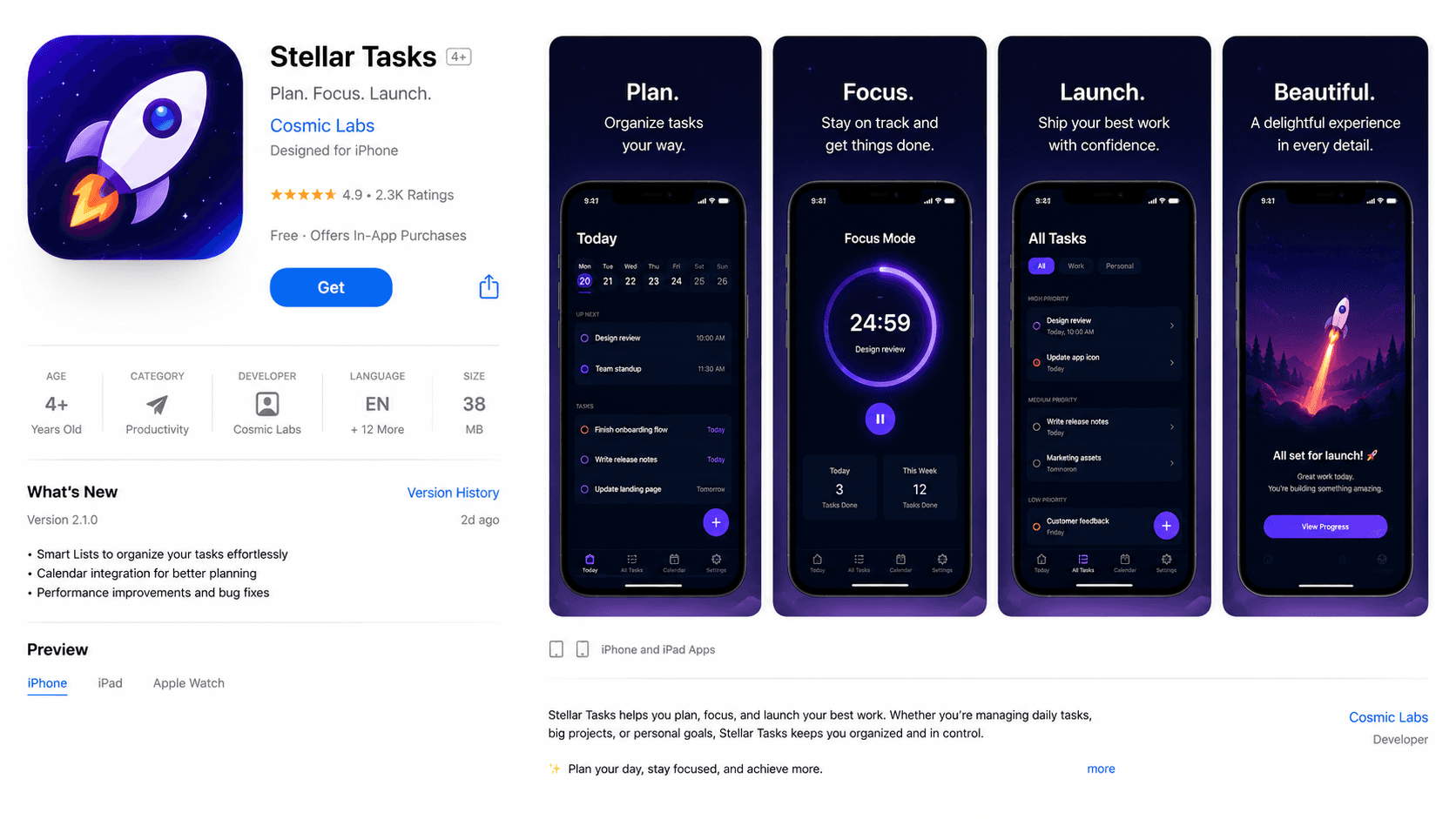
What Changed
- Icon preparation time: 2 days -> 30 seconds
- Xcode validation errors from icons: multiple -> zero
- Launch day stress from icons: high -> nonexistent
- Mental bandwidth freed for: bug fixes, App Store copy, marketing
- Project shipped: on schedule, not delayed
The Indie Developer Advantage
Solo developers face a unique challenge: every task is their task. Design, code, marketing, support, icon preparation, all of it falls on one person. Tools like AppIconsKit are not just convenient; they are genuinely empowering.
When you reclaim the time spent on rote tasks like icon resizing, you give yourself permission to focus on what actually differentiates your app: the product itself.
Lessons from Launch Day
- Prepare icons at the start of the project, not the end
- Use AppIconsKit for every platform you are targeting from day one
- Keep your source icon (1024x1024 PNG) in version control
- Regenerate icons whenever the design changes: it takes 30 seconds
- The launch checklist is shorter when icons are already done
Conclusion
Launch day should be a celebration, not a crisis management exercise. AppIconsKit removes one of the most common launch-week headaches from the equation, permanently.
Whether it's your first app or your fiftieth, the story is always better when the icons were ready on day one.