
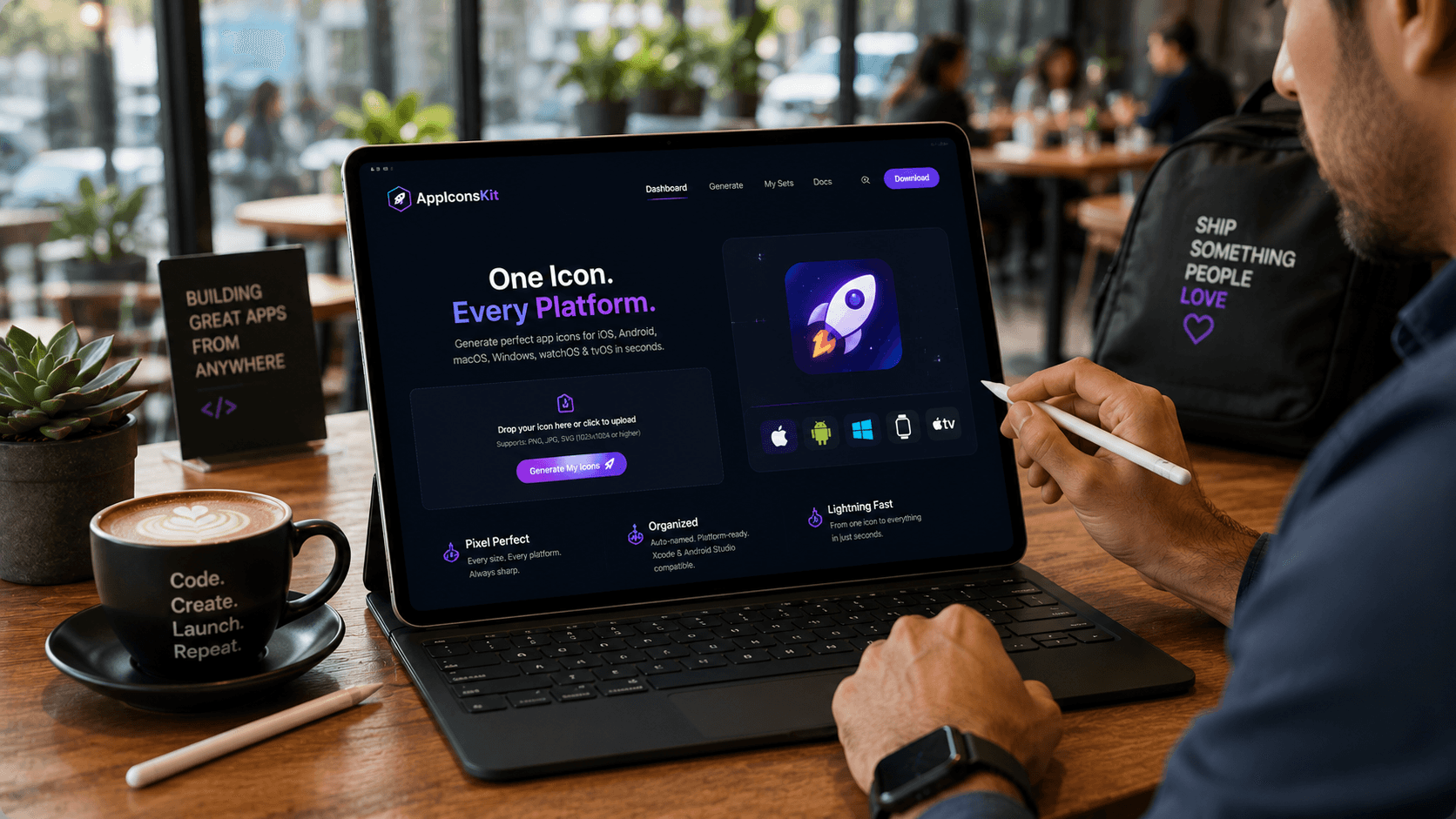
Modern development doesn't happen only at a desk. Developers work from cafes, co-working spaces, client offices, and on the commute. The best tools travel with you, and AppIconsKit is built to do exactly that.
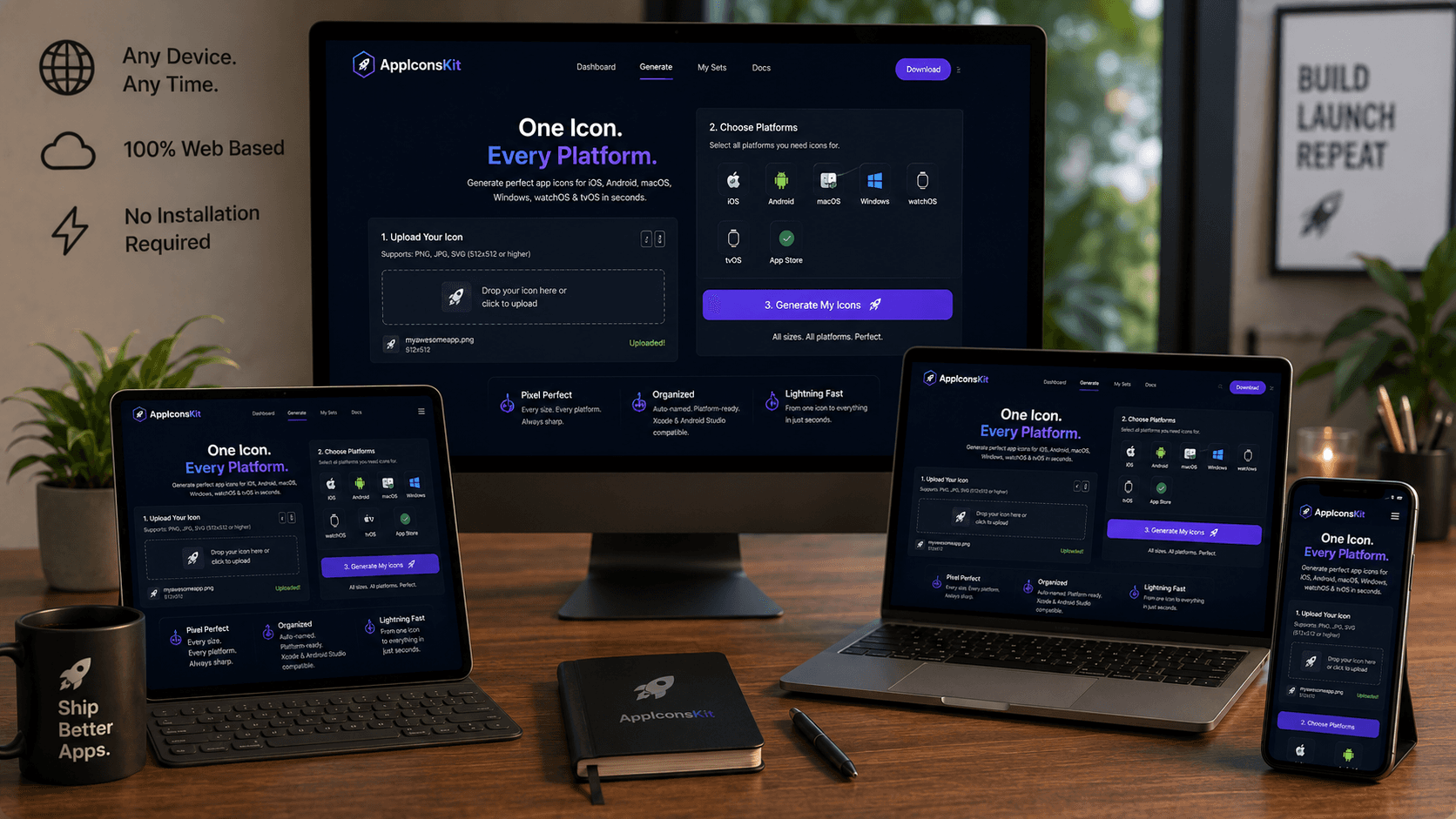
Because AppIconsKit is entirely browser-based, it runs on any device with a modern browser. iPad Pro, Surface tablet, Android tablet, MacBook: if it has Chrome, Safari, or Firefox, it runs AppIconsKit perfectly.
Why Browser-Based Is Better for Portability
- No installation required: open the URL and you're running
- Automatically updated: you always have the latest version
- Works on macOS, Windows, Linux, iPadOS, and Android
- No licensing tied to a specific device
- Switch devices mid-project with zero configuration
Performance on Tablets
AppIconsKit's WebAssembly engine is optimized for performance across device classes. On modern tablets like the iPad Pro or Samsung Galaxy Tab, icon generation completes in seconds, comparable to desktop performance.
The responsive interface adapts to tablet screen sizes, with touch-friendly controls for drag-and-drop file upload and platform selection.
Real Use Cases for On-the-Go Icon Generation
- Client meeting: icon iteration needed on the spot, generate immediately on your tablet
- Co-working space: no desktop available, laptop or tablet gets the job done
- Conference: quickly generate icons for a demo app on any available device
- Travel: work on app submissions from anywhere in the world
- Remote collaboration: share the URL with your team, everyone uses the same tool instantly
iPad-Specific Tips
- Use Split View to have Figma and AppIconsKit side by side
- Drag and drop files directly from Files app to AppIconsKit upload area
- Use Stage Manager on iPad Pro for a near-desktop experience
- Safari on iPadOS runs AppIconsKit's WebAssembly at full speed
Conclusion
The constraint of being tied to a specific machine for development tasks is increasingly a thing of the past. AppIconsKit's browser-based architecture means your icon generation workflow is always with you, on whatever device is in your hands.
Work where you want to work. AppIconsKit will be there.