
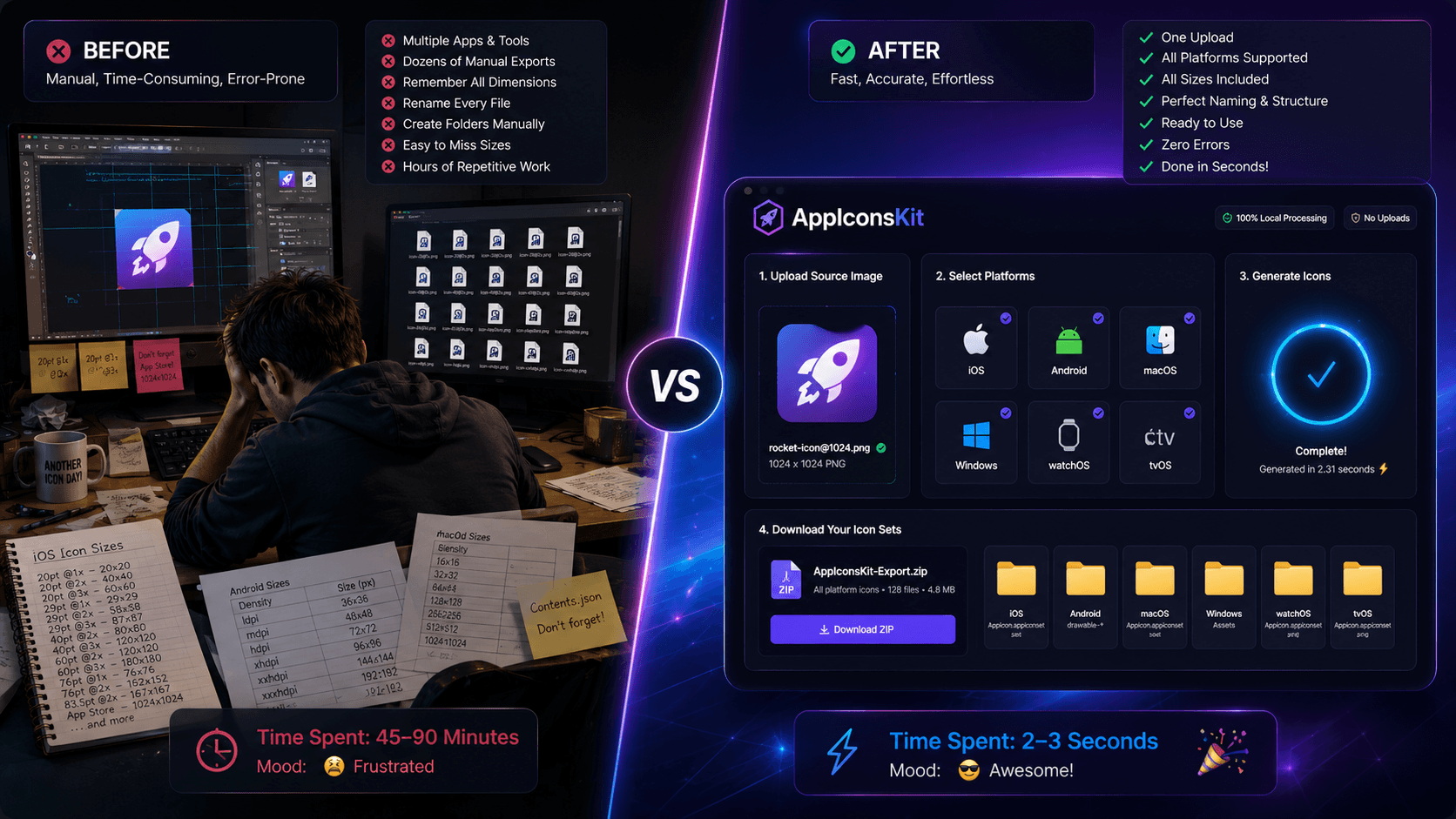
Every mobile developer knows the pain: you've designed the perfect app icon, and now you have to manually resize it into dozens of variants for iOS, Android, macOS, Windows, and beyond. It's repetitive, time-consuming, and frankly, it shouldn't be your problem.
AppIconsKit was built to eliminate exactly this friction. Upload a single high-resolution image, and within seconds, you have every icon size you will ever need, perfectly named, perfectly organized, and ready for Xcode or Android Studio.
The Real Cost of Manual Icon Resizing
Let's do the math. iOS alone requires over 20 different icon sizes across iPhone, iPad, and App Store submission. Android adds another 6+ densities, plus adaptive icon layers. Then there's macOS (8 sizes), Windows, watchOS, and tvOS.
A developer spending even 30 minutes manually resizing icons per project, across 10 projects a year, loses over 5 hours to pure busywork. Time that could be spent on features, testing, or simply shipping.
How AppIconsKit Saves the Day
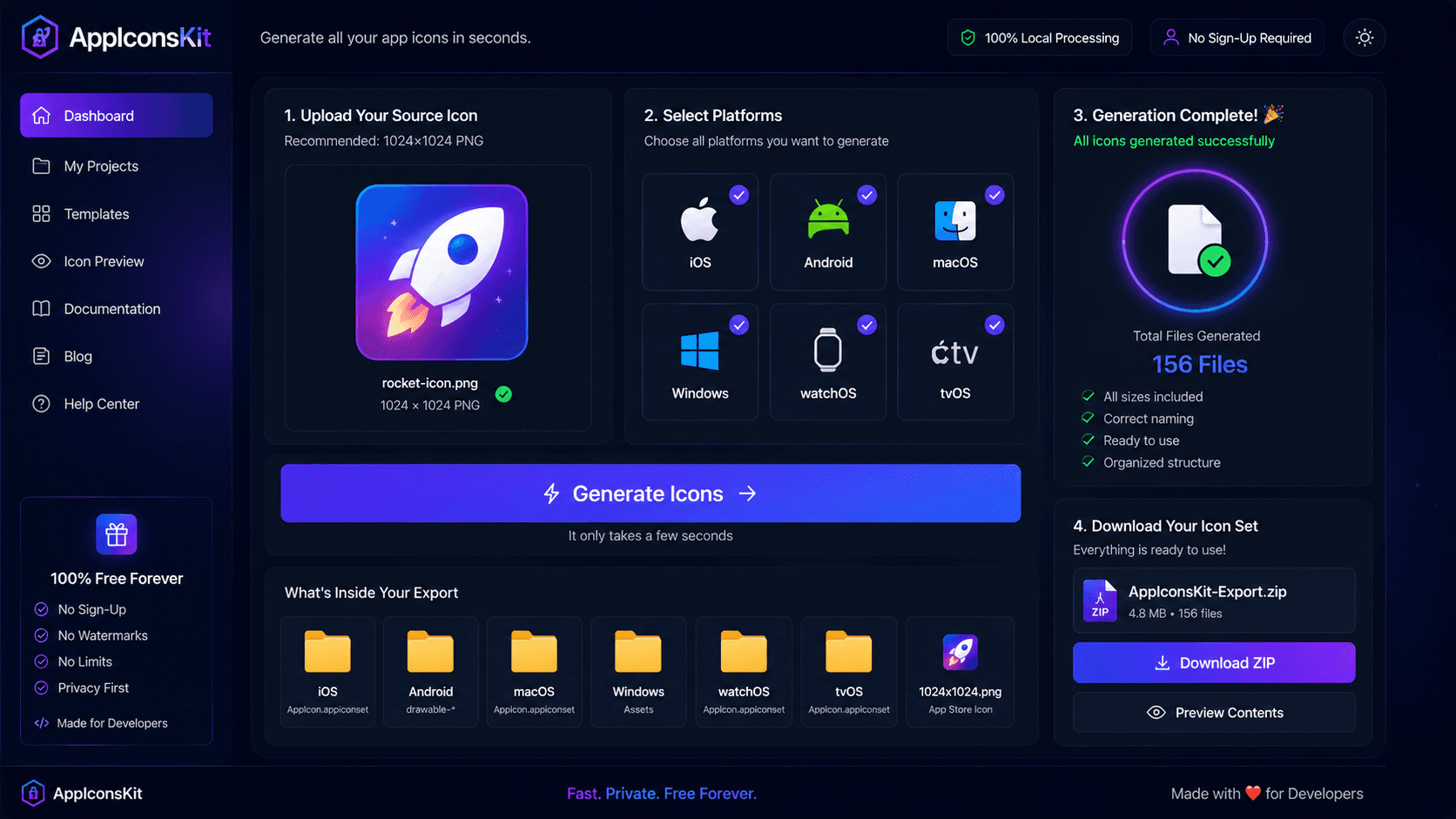
AppIconsKit handles the entire icon generation workflow in three simple steps:
- 1Upload your high-resolution source image (PNG, JPG, or PSD)
- 2Select your target platforms (iOS, Android, macOS, Windows, watchOS, tvOS)
- 3Click generate and download your complete, organized icon set as a ZIP
What Makes It Truly Fast
- Browser-based processing: no server uploads, no waiting in queues
- WebAssembly-powered engine for near-instant generation
- All sizes generated simultaneously, not one by one
- Organized folder structure automatically created for each platform
- Contents.json generated automatically for Xcode projects
Who Benefits Most
AppIconsKit was designed with specific users in mind:
- Indie developers who wear every hat and can't afford wasted time
- Freelancers managing multiple client projects simultaneously
- Startup teams moving fast and iterating frequently
- Designers handing off assets to developers without friction
- Anyone who has ever Googled 'iOS icon sizes' more than once
The Numbers Don't Lie
- iOS icon sets: 20+ sizes generated
- Android icon sets: 6 densities + adaptive icons
- Total icons per project: 50+ files across all platforms
- Time with AppIconsKit: Under 5 seconds
- Cost: Completely free, forever
Conclusion
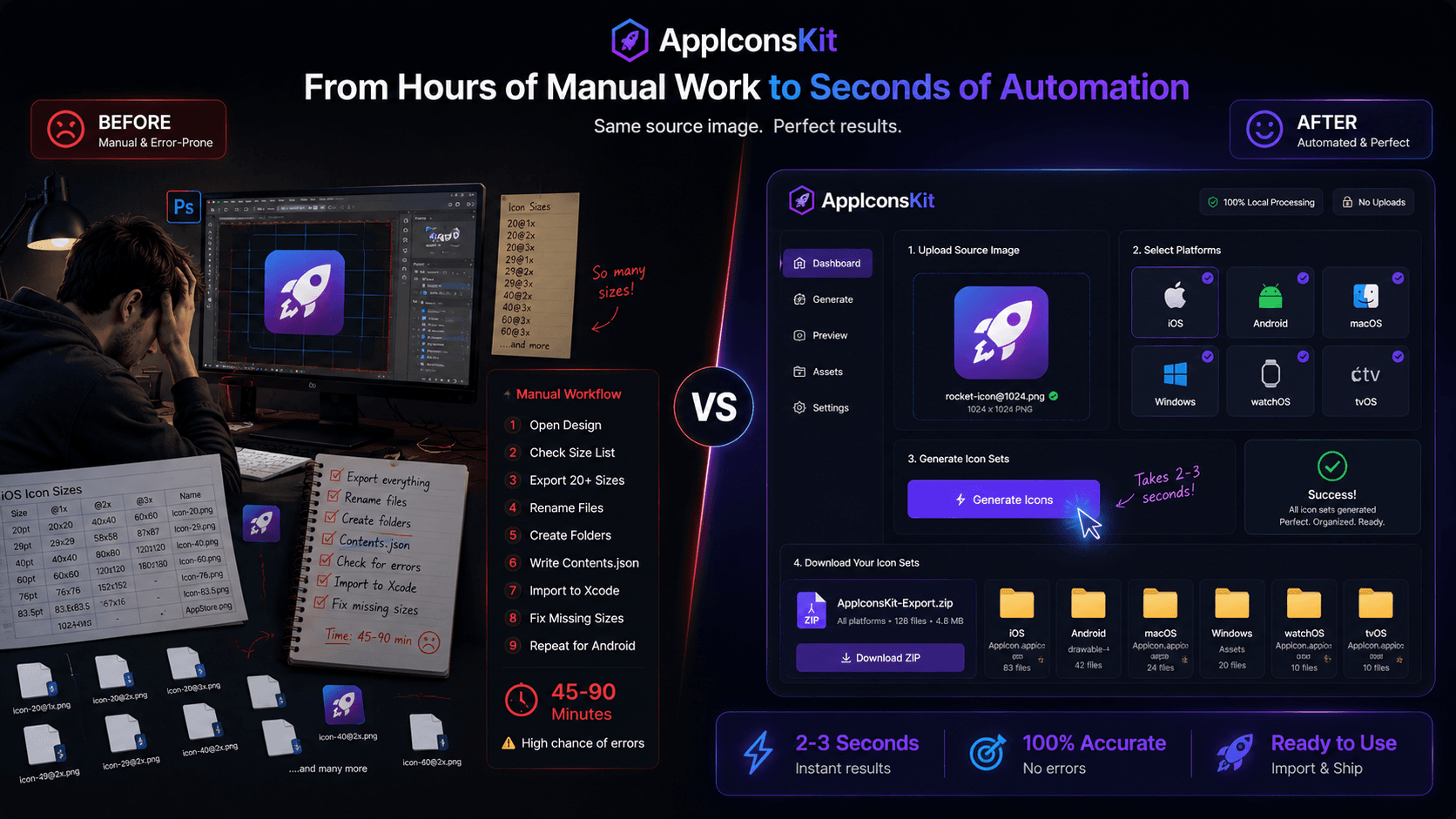
The time-saving power of AppIconsKit isn't just about convenience: it's about reclaiming your most valuable resource: time. Every second you spend on manual resizing is a second stolen from building features, fixing bugs, or simply resting.
AppIconsKit gives you back those seconds, hundreds of them, on every single project. That's not just a tool; that's a competitive advantage.