
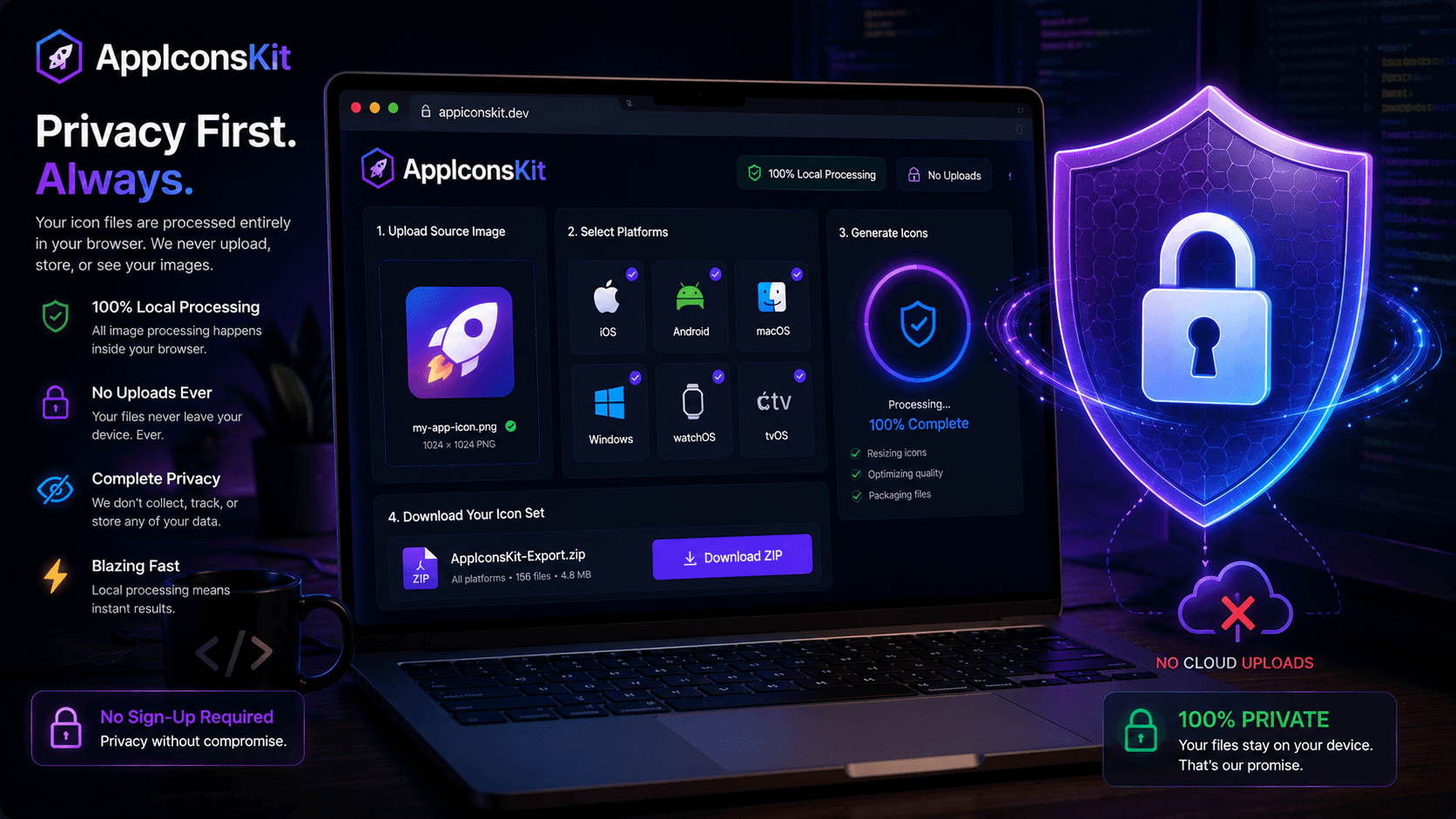
When you're working on a client project or building your next big app, your design assets are valuable intellectual property. The last thing you want is those assets sitting on some stranger's server, even temporarily.
AppIconsKit was architected from the ground up with one non-negotiable principle: your files never leave your device. Everything happens in your browser, powered by WebAssembly, with zero server involvement.
How Traditional Tools Handle Your Files (And Why It Is a Problem)
Most online image processing tools follow the same pattern: you upload your file, it goes to their server, gets processed, and you download the result. Simple, but deeply problematic for privacy-conscious developers.
Every upload creates risk: Who has access to their server logs? How long are your files retained? What happens if they suffer a data breach? These are questions you should never have to ask about a tool you use daily.
AppIconsKit's Local-First Architecture
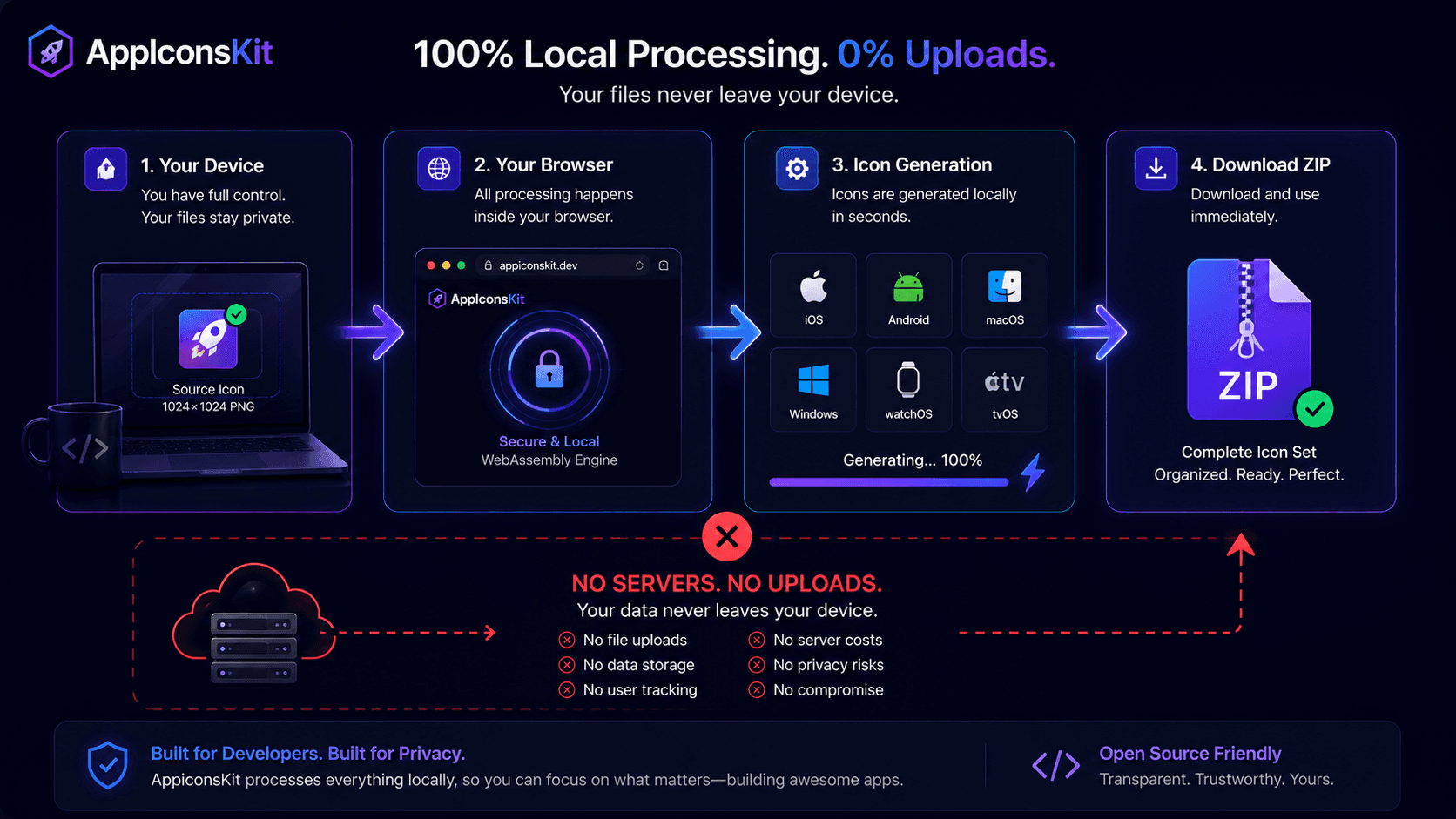
Here is exactly what happens when you use AppIconsKit:
- 1You select your image file in your browser
- 2The file is read into browser memory using the FileReader API
- 3WebAssembly processes the image entirely within your browser tab
- 4Icons are generated in-memory and packaged as a ZIP
- 5The ZIP downloads directly to your device
- 6Zero bytes of your image data are transmitted anywhere
Why This Matters for Professional Developers
- Client confidentiality: client designs never leave your machine
- NDA compliance: local processing means zero data sharing
- No account means no data profile built about you
- Works offline once the page is loaded
- No risk of your pre-launch app icon leaking publicly
- Enterprise-friendly: passes most corporate security reviews
The Technical Stack Behind the Privacy Promise
AppIconsKit leverages modern browser APIs that make true local processing possible. WebAssembly (WASM) brings near-native performance to browser-based image processing, meaning speed is never sacrificed for privacy.
The Canvas API and OffscreenCanvas handle pixel-perfect resizing without any server-side involvement. Service Workers enable the tool to function even without an internet connection after the initial page load.
Comparing Privacy Standards
- AppIconsKit: Zero uploads, 100% local processing
- Most competitors: Full file upload to remote servers
- Enterprise tools: Often require login and data agreements
- AppIconsKit: No login, no data agreement, no uploads, ever
Conclusion
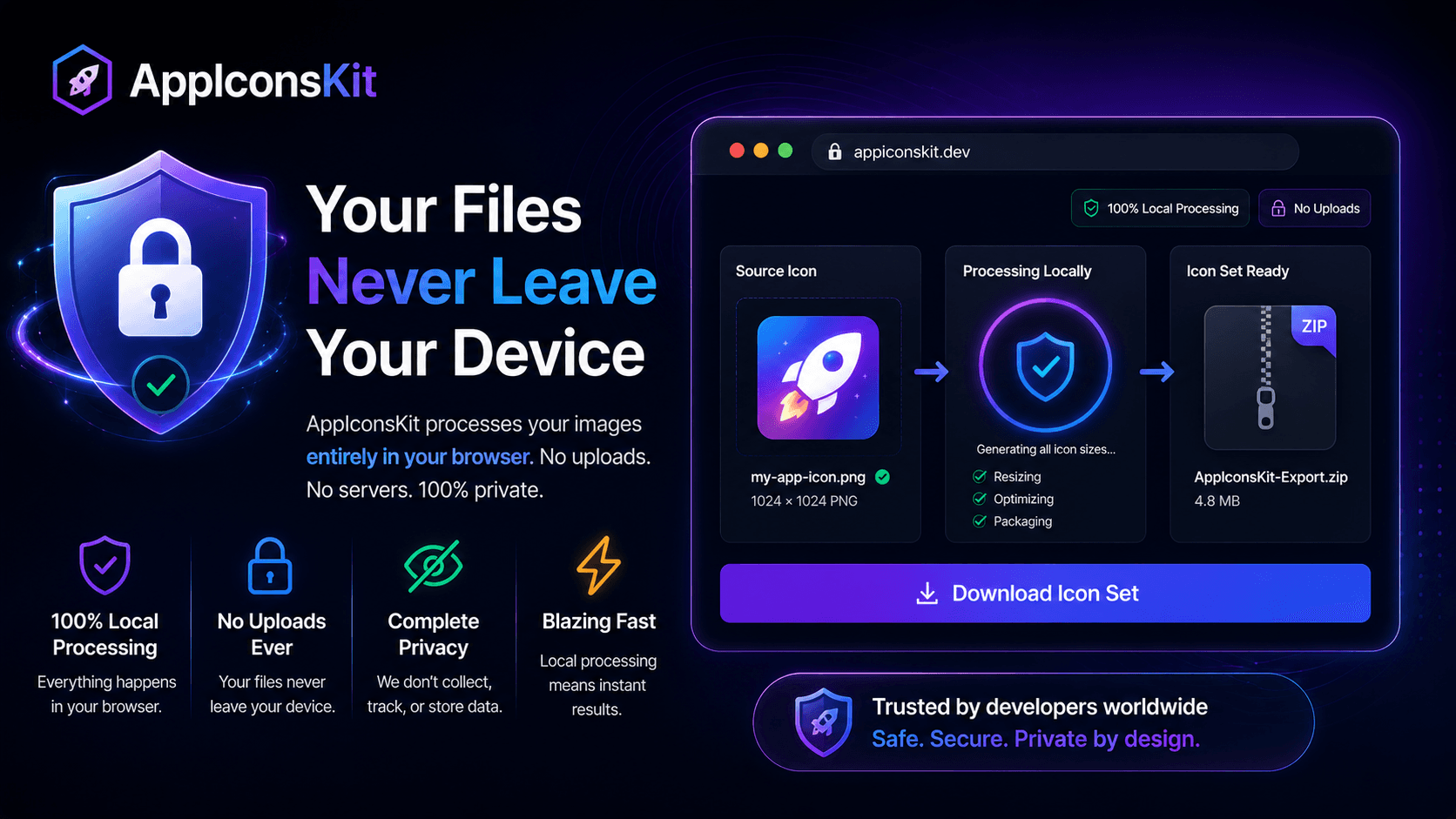
Privacy isn't a feature you should have to pay for; it should be the default. AppIconsKit makes that the reality for every developer who uses it, from solo indie hackers to teams working under strict NDAs.
When you use AppIconsKit, the only place your design assets live is exactly where they should be: on your own device, under your own control.