
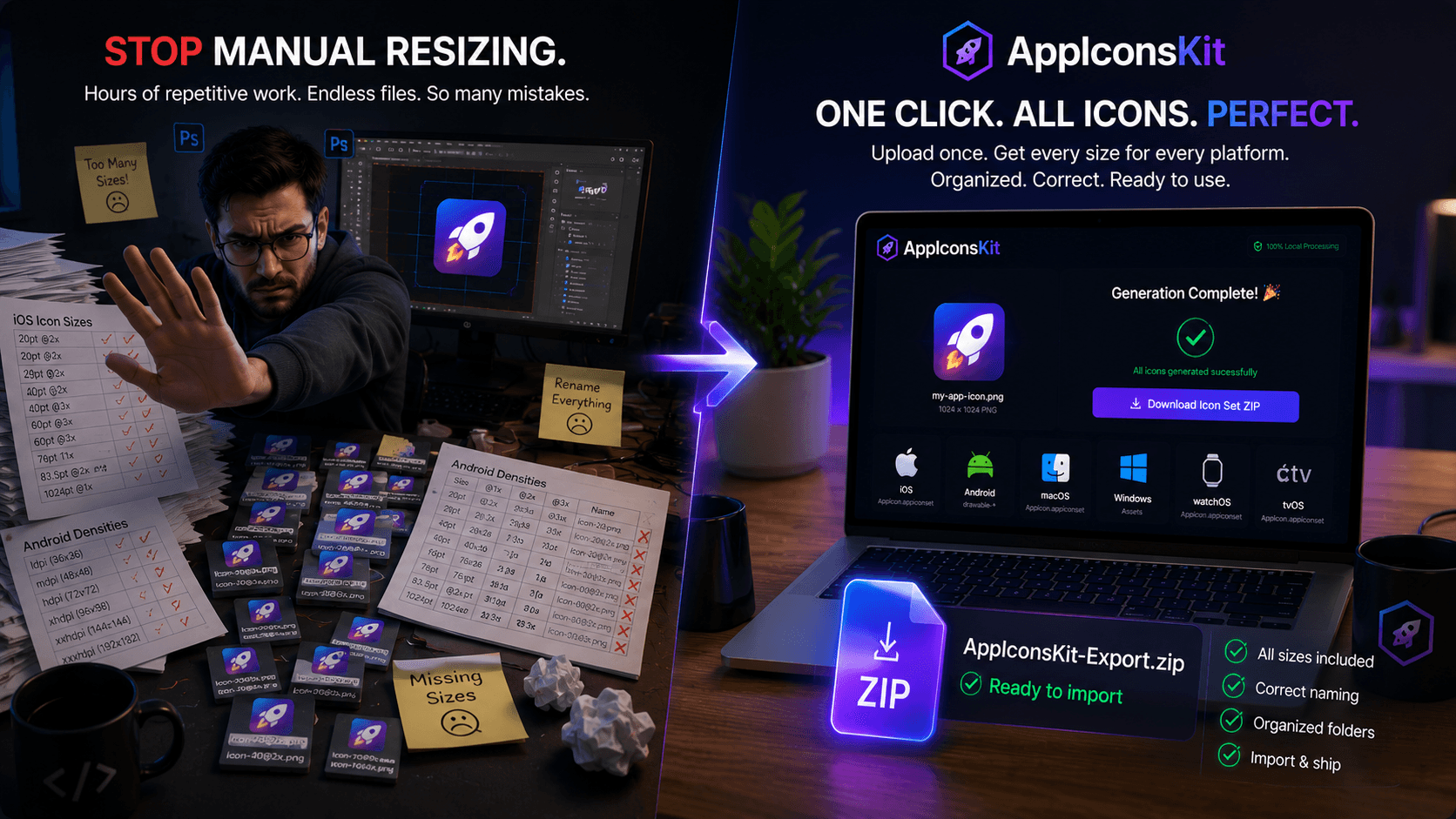
Manual icon resizing is one of those tasks that every developer hates but does anyway, because what's the alternative? Spend 45 minutes in Photoshop or Figma exporting every size manually, or use an online tool that just gives you a folder of randomly named PNGs.
AppIconsKit changes this entirely. Not only does it generate every icon size you need, but it delivers them in exactly the right format, with exactly the right naming convention, organized into exactly the right folder structure for immediate import into Xcode or Android Studio.
The Problem with Generic Icon Generators
- They export files but with wrong naming conventions
- No Contents.json for Xcode: you have to create it manually
- Android folders are not created: you sort icons yourself
- Missing specific sizes that App Store requires
- No adaptive icon support for Android 8.0+
- Output requires extensive manual cleanup before use
What 'Ready to Use' Actually Means
AppIconsKit generates icons that can be directly imported into your project with zero modification:
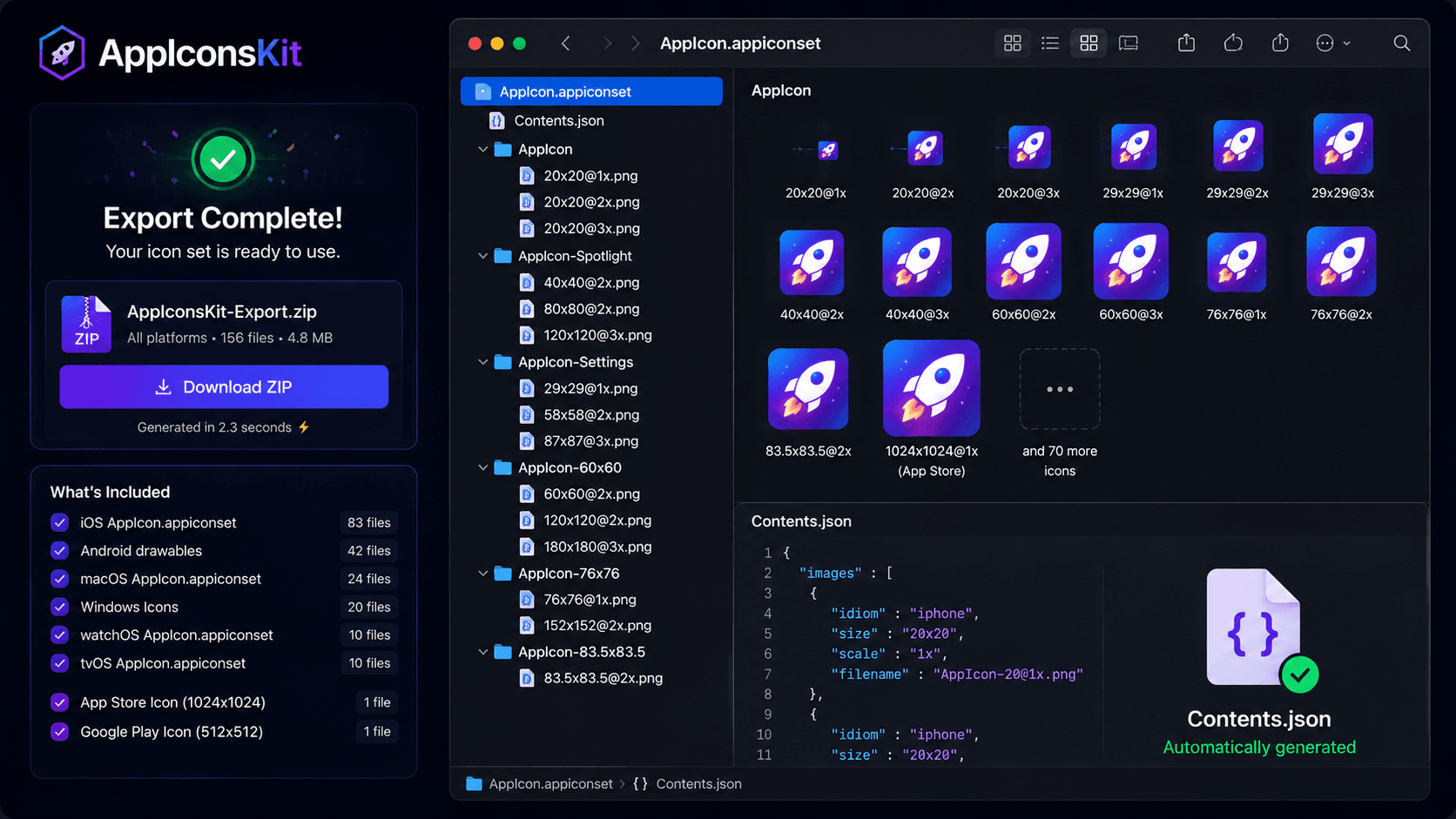
- iOS: AppIcon.appiconset folder with Contents.json included
- Android: drawable-mdpi through drawable-xxxhdpi folders properly named
- macOS: All sizes in AppIcon.appiconset format
- Correct file naming for each platform's convention
- App Store 1024x1024 included separately
- Google Play 512x512 included separately
The Complete iOS Icon Checklist AppIconsKit Handles
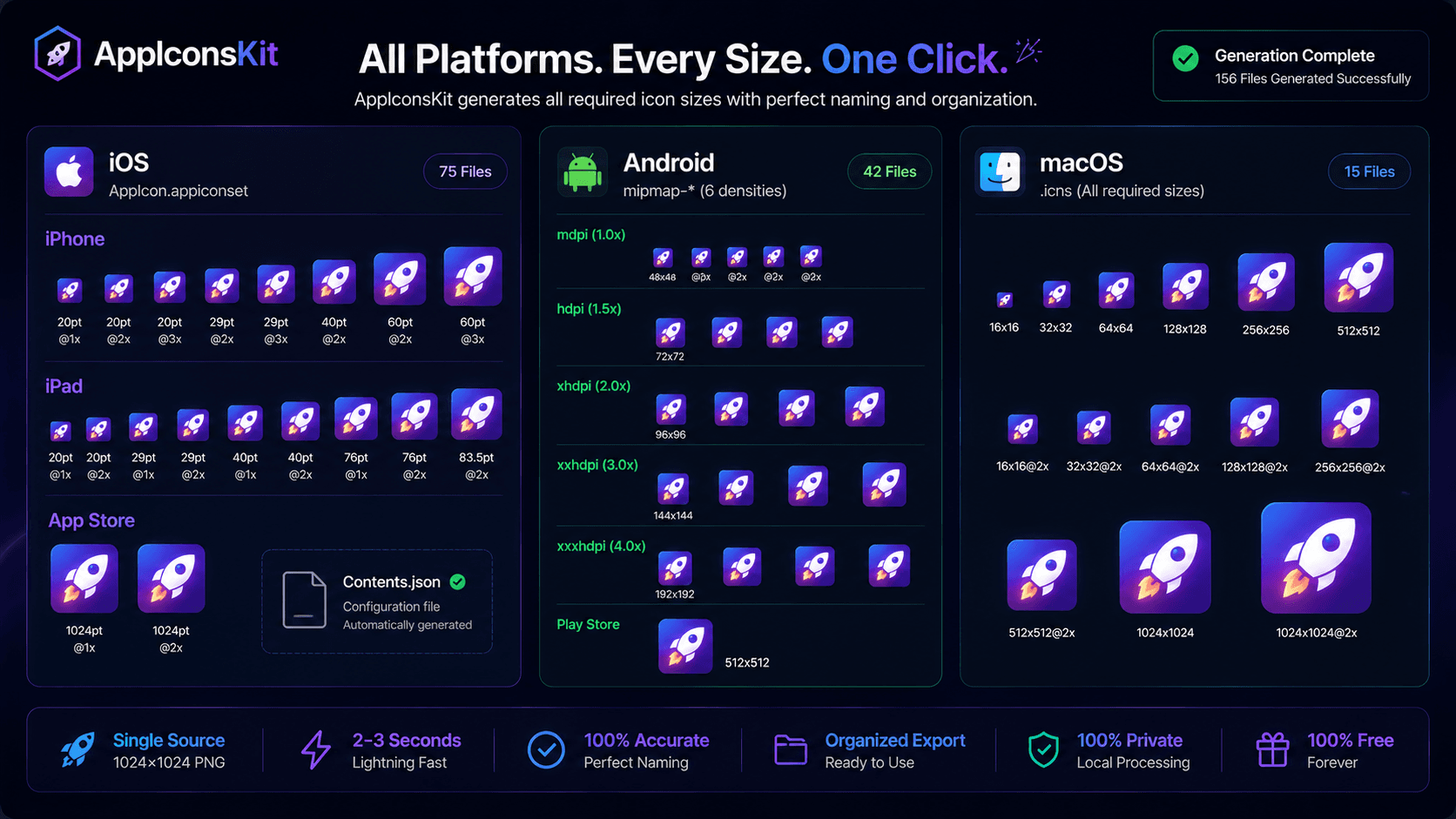
- iPhone: 20pt, 29pt, 40pt, 60pt at @1x, @2x, @3x
- iPad: 20pt, 29pt, 40pt, 76pt, 83.5pt at @1x, @2x
- App Store: 1024x1024 @1x
- All naming follows Apple's official convention
- Contents.json auto-generated and included
The Complete Android Icon Checklist AppIconsKit Handles
- ldpi: 36x36px
- mdpi: 48x48px
- hdpi: 72x72px
- xhdpi: 96x96px
- xxhdpi: 144x144px
- xxxhdpi: 192x192px
- Adaptive icons with foreground and background layers
- Google Play Store: 512x512
From Upload to Xcode in 3 Steps
- 1Upload your 1024x1024 PNG to AppIconsKit
- 2Select iOS and download the ZIP
- 3Drag the AppIcon.appiconset folder directly into Xcode
Conclusion
The days of manual icon resizing should be behind every developer. There is simply no reason to spend time on a task that a tool can do perfectly in seconds, especially when that tool is free.
AppIconsKit doesn't just save time. It eliminates an entire category of mistakes: wrong file names, missing sizes, broken Contents.json files. When AppIconsKit generates your icons, they're right the first time, every time.